
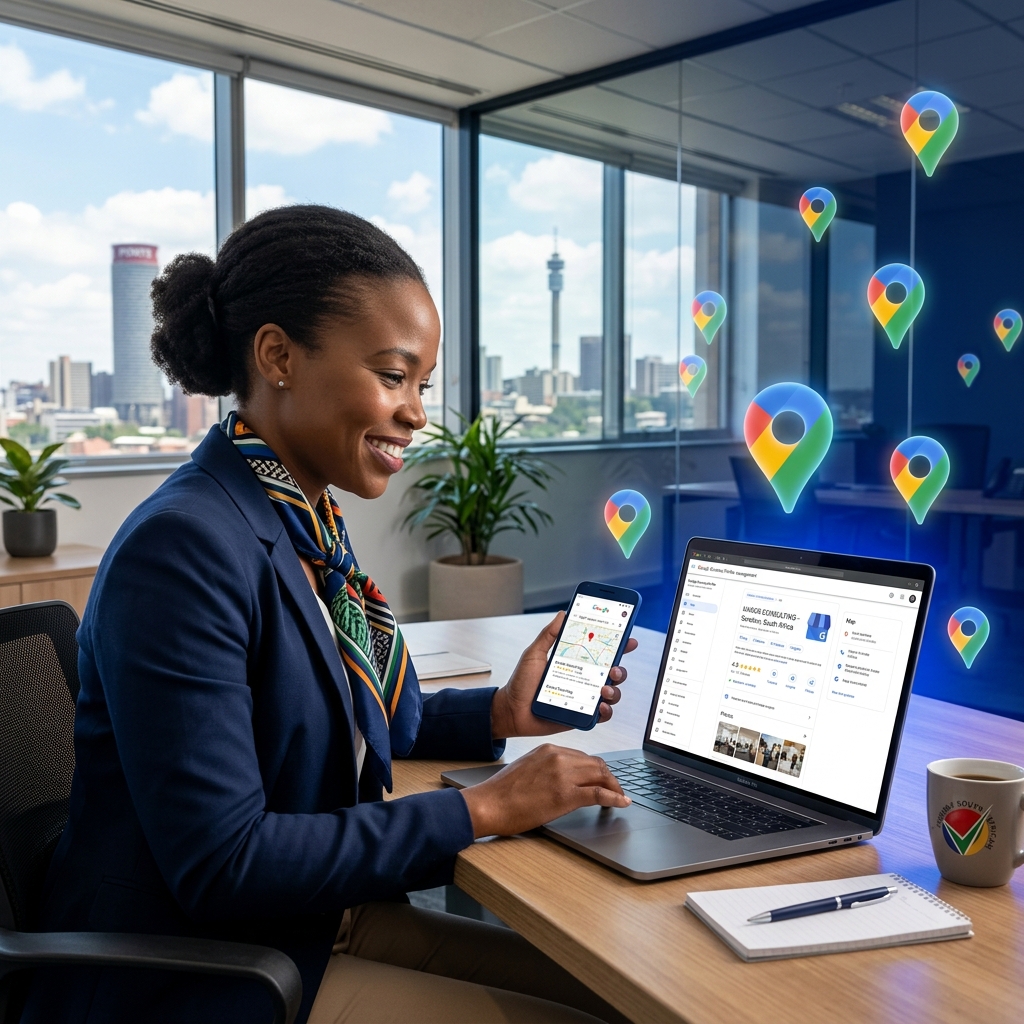
Every day, thousands of South Africans search Google for local businesses — "plumber near me in Johannesburg," "best hair salon Sandton," "affordable web designer Roodepoort." If your business is not appearing in those results, you are handing those customers directly to your competitors.
The good news? Getting your business on Google Search and Google Maps is completely free and far simpler than most business owners think. In this guide, we walk you through exactly how to get your South African business found on Google — step by step.
Why Google Search Matters for South African Businesses
Google holds over 93% of the South African search engine market. When a potential customer wants to find any service — a restaurant, contractor, lawyer, or web designer — their first instinct is to type it into Google. Being visible on Google is no longer a luxury; it is a business necessity.
The most valuable real estate on Google Search for local businesses is the "Local Pack" — the prominent map listing with three businesses that appears at the top of the results. These listings get significantly more clicks than the organic results below them. The key to appearing here is your Google Business Profile.
Google Maps Visibility
Show up when customers search for businesses "near me" or in your city.
Build Trust with Reviews
Collect Google reviews that build credibility and boost your ranking.
Mobile Discovery
Over 78% of SA internet traffic is mobile — local searches dominate.
Free Marketing
Google Business Profile is 100% free, making it the best ROI tool available.
Step-by-Step: Setting Up Your Google Business Profile
Follow these steps to create and verify your Google Business Profile — the foundation of all local SEO in South Africa.
Go to business.google.com and Sign In
Visit business.google.com and sign in with a Google account. If you don't have one, create a free Gmail account first. Use the email address you want associated with your business.
Enter Your Business Name
Type your exact business name as you want it to appear on Google. Be consistent — always use the same name across your website, social media, and all directory listings. This is called NAP consistency (Name, Address, Phone).
Choose Your Primary Business Category
Select the most accurate category for your business (e.g., "Web Design Company," "Plumber," "Hair Salon"). This is one of the most important ranking factors in Google Maps. You can add secondary categories later.
Add Your Business Location or Service Area
If you have a physical store or office, add your full address. If you operate from home or serve clients at their location, choose "Service Area" and list your suburbs or cities.
Add Your Contact Details
Enter your South African phone number (include +27) and your website URL. If you don't have a website yet, this is the perfect motivation to get one — it significantly boosts your Google ranking.
Verify Your Business
Google confirms your business is real via a postcard to your physical address (5–14 days), or by phone call or email. Follow the prompts to complete verification — your listing won't go live until this is done.
Pro Tip: Some newer businesses in South Africa can verify instantly through Google's video verification option. During the process, you record a short video showing your storefront, signage, and equipment. This speeds up the process dramatically.
How to Optimise Your Google Business Profile for Maximum Visibility
Simply creating your listing is not enough. To rank in the Local Pack above your competitors, you need to fully optimise your Google Business Profile.
Complete Every Section of Your Profile
Google rewards completeness. Businesses with 100% complete profiles are 2.7x more likely to be considered reputable by customers. Ensure you fill in:
- Business description (up to 750 characters — include your key services and city)
- Opening hours, including public holidays
- All relevant services with descriptions and prices
- Business attributes (e.g., "Women-owned," "Wheelchair accessible")
- Products, if applicable
Upload High-Quality Photos
Businesses with photos receive 42% more requests for directions and 35% more website clicks. Upload photos of your storefront, interior, team, products, and completed work. Aim for at least 10 high-quality images to start.
Collect and Respond to Google Reviews
Reviews are one of the top ranking factors for Google Maps. Actively request reviews from happy customers by sending them your unique Google review link. Always respond to every review — both positive and negative. This signals to Google your business is active and engaged.
Never buy fake Google reviews. Google's AI is highly effective at detecting inauthentic reviews. Businesses caught with fake reviews face suspension of their entire Business Profile, removing them from Google Maps entirely. Focus on earning genuine reviews from real customers.
Post Regular Updates
Use Google Posts (in your Business Profile dashboard) to share news, promotions, events, and offers. Posting at least once a week shows Google your business is active and can improve your local ranking.
Why Your Website Is Essential for Google Ranking
While your Google Business Profile is the foundation, having a professional, fast website dramatically amplifies your search visibility. Google uses your website to understand what your business does, who you serve, and where you operate.
| Google Ranking Signal | Business Profile Only | Business Profile + Website |
|---|---|---|
| Local Pack Ranking | Limited | Significantly Stronger |
| Organic Search Results | Not Possible | Full Visibility |
| Content Authority | Very Limited | Blog, Pages & FAQs |
| Customer Trust | Moderate | High — Professional Presence |
| Lead Capture | Phone/Message Only | Forms, WhatsApp, Quote Requests |
Additional Local SEO Tips for South African Businesses
List Your Business on South African Directories
Consistent business listings on reputable directories strengthen your local authority. Submit to:
- Yellow Pages South Africa (yellowpages.co.za)
- Brabys (brabys.com)
- HelloPeter (hellopeter.com) — especially important for reviews
- Cylex South Africa (cylex.co.za)
- SA Yellow Pages (sayellowpages.co.za)
- LinkedIn Company Page (for B2B businesses)
Ensure NAP Consistency Everywhere
Your Name, Address, and Phone number (NAP) must be identical across every platform — your website, Google Business Profile, Facebook, and every directory listing. Even small differences can confuse Google and hurt your ranking.
Create Location-Specific Content on Your Website
If you serve multiple areas, create dedicated pages for each location. For example, a web design company in Johannesburg should have pages for "Web Design Johannesburg," "Web Design Sandton," and "Web Design Roodepoort." This signals to Google the specific areas you serve.
SEO Keyword Tip: Use location-based keywords naturally in your Google Business Profile description, website content, and blog posts. Phrases like "web designer in Johannesburg" or "plumber near me Sandton" are exactly what your potential customers type into Google.
Frequently Asked Questions
Need Help Getting Found on Google?
At CIASoft Solutions, we specialise in local SEO, Google Business Profile optimisation, and professional website design in Johannesburg. We'll help you dominate Google Search in your area and turn online searches into paying customers.